Free Tablet for Students: Programs, and How to Apply
Students often need a reliable tablet or computer for online classes, homework, research, job applications, and communication. If buying a device is difficult, several programs and organizations may help eligible students get a free or low-cost tablet or laptop.
There is one important point to understand first: there is no single federal program that gives every student a free tablet. Device assistance usually comes through school districts, colleges, state programs, nonprofits, or participating service providers.
The best option depends on your age, school, household income, location, and the programs you already receive.
Can Students Get a Free Government Tablet?
Yes, some students may be able to receive a free or heavily subsidized device, but the source is usually a specific program rather than the federal government directly sending tablets to students.
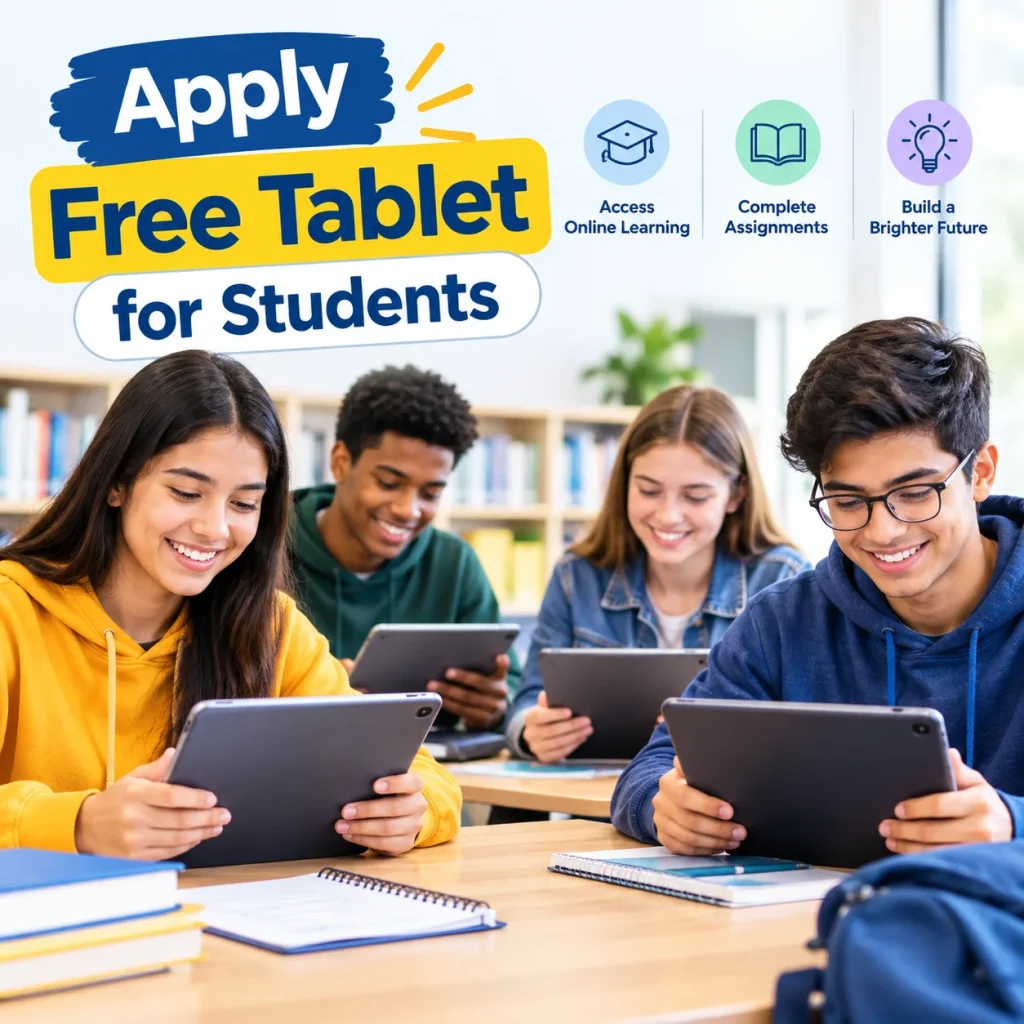
Possible sources include:
- School district device programs
- State digital-equity programs
- College and university technology programs
- Nonprofit organizations
- Public housing and community programs
- Lifeline participating providers
- Local technology-assistance programs
Some programs provide a device permanently, while others provide a loaner device for the school year or while the student is enrolled.
Important: A program that helps with internet service does not necessarily provide a tablet.
Best Ways for Students to Get a Free or Low-Cost Tablet
1. Check With Your School District
For K–12 students, the school district should usually be your first place to ask.
Many school districts operate 1:1 device programs, meaning students receive a school-owned Chromebook, laptop, or tablet for educational use. Some devices can be taken home.
Contact your:
- School office
- District technology department
- Student services office
- Counselor
- Family resource center
Ask whether the school provides a device for students who do not have a computer or tablet at home.
In many cases, you may not need to apply for a separate government program.
2. Look for State Device Programs
Some states operate or support digital-equity programs that distribute free or subsidized devices to eligible residents.
Eligibility may depend on:
- Household income
- SNAP or EBT participation
- Medicaid
- SSI
- Public housing
- Student status
- Disability
- Veteran status
- Other qualifying circumstances
State programs can change over time, so students should check their state’s broadband office or official program website for current availability.
3. Ask Your College or University
College students have additional options that K–12 students may not have.
Ask the financial aid office or student-support department about:
- Laptop lending programs
- Technology grants
- Emergency student assistance
- Student technology funds
- TRIO programs
- GEAR UP or similar support services
- Computer loan programs
- Financial-aid budget adjustments
Some colleges may include the cost of a computer in a student’s education budget. If you are eligible for financial aid, ask whether your school’s financial aid office allows a cost-of-attendance or student-budget adjustment for a computer.
The exact rules and amount depend on the school.
Free Tablet for Students Through Lifeline
Lifeline Support is a federal program that helps eligible low-income consumers reduce the cost of qualifying phone or internet service.
Students may qualify if they meet the applicable income requirements or participate in a qualifying government assistance program.
For example, a student’s household may qualify through programs such as:
- SNAP
- Medicaid
- SSI
- Federal Public Housing Assistance
- Certain Tribal assistance programs
However, Lifeline is not a federal free-tablet distribution program.
A participating provider may advertise a tablet with a qualifying service offer, but the device, price, model, and availability depend on the provider and its current offer.
The process generally looks like this:
Student or household qualifies → Lifeline eligibility is verified → Choose a participating provider → Review the available device offer
Do not assume that Lifeline approval guarantees a tablet.
What About the ACP Free Tablet Program?
The Affordable Connectivity Program (ACP) previously helped eligible households reduce their internet costs and offered a one-time discount toward an eligible connected device in certain circumstances.
However, the ACP ended in 2024 and is not a current application option in 2026.
Students may still find older webpages claiming that they can apply for an “ACP free tablet.” Those pages may be describing the former program.
If a website asks you to sign up for a new ACP benefit today, check the information carefully.
For current connectivity assistance, investigate Lifeline and other active state, school, nonprofit, and community programs instead.
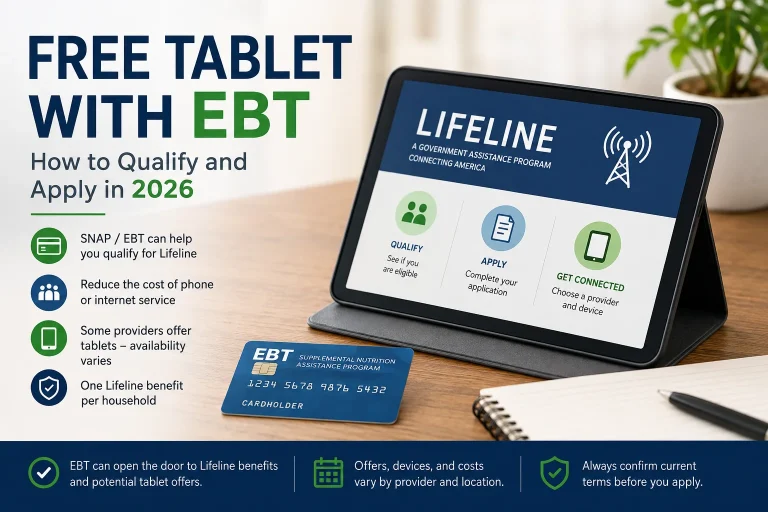
Free Tablet for Students With SNAP or EBT
Students whose households receive SNAP may have another pathway to assistance.
SNAP participation can help establish eligibility for Lifeline when the household meets the program’s requirements.
The process is generally:
SNAP/EBT → Lifeline eligibility → Verification → Participating provider → Available device offer
However, SNAP does not automatically guarantee a free tablet.
You may also need documentation showing current SNAP participation. Examples can include an official benefit letter or other acceptable documentation showing that you participate in the program.
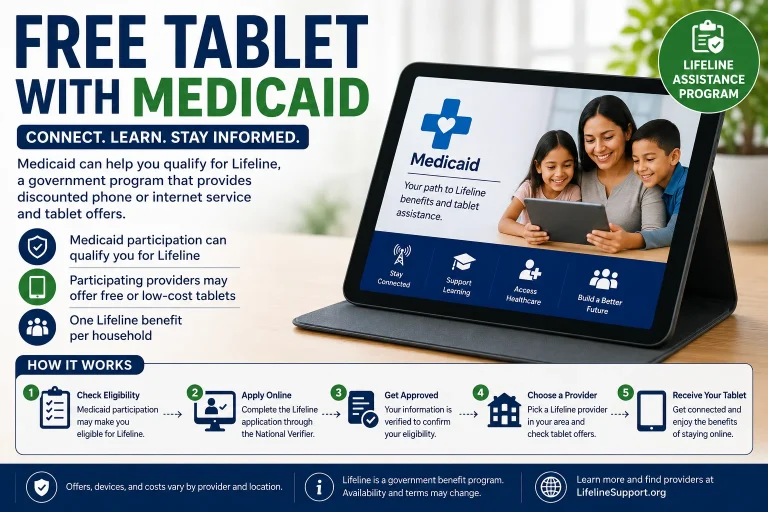
Free Tablet for Students With Medicaid
Medicaid is another qualifying pathway for Lifeline.
If a student or someone in the student’s household participates in Medicaid, the household may qualify for Lifeline based on that participation.
The important distinction is:
Medicaid may help establish Lifeline eligibility, but Medicaid does not directly provide a free tablet.
After eligibility is confirmed, the student or household can review participating providers and determine whether a tablet is currently available.
State Programs That May Help Students
State and local programs can be particularly useful because some provide devices directly rather than requiring the student to purchase one.
Examples of state-supported approaches include:
Maryland
The Maryland Connected Devices Program has supported device distribution for eligible residents, including households that qualify through income or certain assistance programs.
New Mexico
Technology-assistance initiatives have distributed computers through community organizations, tribal partners, and other local channels.
North Carolina
Device-access initiatives have supported computers and technology assistance for eligible households and students through community partners.
West Virginia
Digital-equity and broadband initiatives can include device distribution through contracted organizations and community agencies.
Puerto Rico
Technology-access initiatives have included affordable or subsidized devices for eligible residents.
Keep in mind: Program names, funding, eligibility, and availability can change. Always confirm that a program is currently accepting applications before relying on it.
Nonprofit Programs for Students
If your school or state does not provide a free device, nonprofit technology organizations may be another option.
Some organizations refurbish donated computers and make them available to qualifying households at substantially reduced prices.
Two organizations commonly associated with affordable refurbished technology include:
- Human-I-T
- PCs for People
These programs are generally not the same as receiving a free government tablet.
Instead, eligible applicants may be able to purchase refurbished computers at a low price. Some programs also provide warranties or technical support.
This can be a practical alternative when a completely free device is unavailable.
Free Tablets and Laptops Through Colleges
College students should not limit their search to government programs.
Many universities have their own technology resources.
Check whether your school offers:
- Laptop lending: Borrow a computer for a semester or academic period.
- Technology grants: Some colleges provide emergency or student-support funds for technology needs.
- Student support programs: Programs such as TRIO may have technology resources or laptop-lending opportunities for eligible students.
- Financial aid assistance: Ask whether the cost of a required computer can be considered as part of your education expenses.
A good first question for your college is:
“Does the school provide laptops or tablets to students who cannot afford a computer for their coursework?”
Free Tablets Through School Districts
For younger students, school districts are often the most practical option.
Many districts already have computers available for students.
Before applying for outside assistance, ask:
- Does the school provide a Chromebook or tablet?
- Can students take the device home?
- Is there a device loan program?
- Is there a replacement program for damaged devices?
- Can students without home internet receive additional assistance?
- Is there a program for low-income families?
Some districts provide devices to all students, while others limit programs to certain grades or circumstances.
Who May Qualify for Student Tablet Assistance?
Requirements vary considerably between programs. Common eligibility factors include the following.
Household Income
Some device programs use an income threshold based on the Federal Poverty Guidelines or another measure of financial need.
Government Benefits
Participation in programs such as SNAP, Medicaid, SSI, or public housing assistance may qualify a household for certain programs.
Student Status
Some programs are specifically designed for:
- K–12 students
- College students
- First-generation students
- Pell Grant recipients
- Students receiving financial aid
- Students without a working computer
Location
A program may be available only in a particular state, school district, college, county, or community.
Special Circumstances
Some programs prioritize seniors, veterans, people with disabilities, rural residents, or households without an adequate device.
Documents You May Need
The documents required depend on the program. Students or their parents may be asked for:
| Document | Why It May Be Needed |
|---|---|
| Government-issued ID | Verify identity |
| Proof of address | Confirm residency |
| SNAP/EBT documentation | Verify program participation |
| Medicaid documentation | Verify eligibility |
| SSI documentation | Verify qualifying benefits |
| Proof of income | Verify income eligibility |
| Pell Grant documentation | Verify college financial-aid status |
| School enrollment information | Confirm student status |
You do not necessarily need every document listed above. Requirements vary by program.
Make sure the name and other information on your application match the supporting documents.
How to Apply for a Free Tablet as a Student
The best application route depends on your situation. A simple approach is to work through these steps in order.
Step 1: Ask Your School
Contact your school district, school office, counselor, or technology department.
Step 2: Check Your State
Search your state’s official broadband or digital-equity office for current device programs.
Step 3: Check College Resources
If you are a college student, contact financial aid, student services, TRIO, or technology support.
Step 4: Check Your Eligibility
If you receive SNAP, Medicaid, SSI, or another qualifying benefit, check whether you qualify for Lifeline.
Step 5: Review Provider Offers
If you qualify for Lifeline, review participating providers serving your location.
Step 6: Compare the Device Terms
Before accepting an offer, check:
- Device model
- Device condition
- Price
- Any copay
- Monthly service cost
- Data allowance
- Warranty
- Shipping or other fees
Step 7: Apply Through the Correct Organization
Use the official application page or the organization’s verified website.
Is a Free Student Tablet Really Free?
Not always.
A device described as “free” may have a $0 device price, but other offers may involve a copay, service requirement, shipping charge, or other terms.
There are three common situations:
| Offer Type | What It Means |
|---|---|
| Free tablet | The device is provided at $0 under the specific offer |
| Discounted tablet | You receive a device at a reduced price |
| Low-cost tablet | You purchase an affordable device through an assistance program |
Always read the current offer before applying.
A free service benefit and a free device are also two different things.
What Kind of Tablet Can Students Get?
The device depends on the organization providing it.
Possible devices include:
- Android tablets
- Chromebooks
- Windows laptops
- Refurbished computers
- iPads or other tablets through specific school or college programs
A provider may change its inventory without notice.
For this reason, be careful with websites promising a specific model, such as a particular Samsung tablet or iPad, to every qualifying student.
Eligibility does not guarantee a specific device.
Free Tablet or Laptop: Which Is Better for Students?
The right device depends on what you need to do.
| Need | Tablet | Laptop/Chromebook |
|---|---|---|
| Reading e-books | Excellent | Good |
| Watching lectures | Excellent | Good |
| Web browsing | Excellent | Excellent |
| Video calls | Good | Excellent |
| Writing assignments | Good with keyboard | Excellent |
| Research | Good | Excellent |
| Spreadsheets | Basic–Good | Excellent |
| Programming | Limited | Better |
| Graphic design | Depends on model | Depends on model |
For basic schoolwork, a tablet can be enough. For extensive typing, programming, spreadsheets, or specialized college software, a laptop or Chromebook may be more practical.
How Students Can Avoid Tablet Scams
Be careful with websites claiming things such as:
- “Every student gets a free government tablet.”
- “Guaranteed iPad from the government.”
- “Apply for the federal student tablet portal.”
- “Pay a processing fee to unlock your free government tablet.”
There is no universal federal student tablet application that guarantees every student a free device.
Never provide unnecessary sensitive information to an unfamiliar website.
Before applying, verify:
- Who operates the program
- Whether the program is currently active
- Eligibility requirements
- Device terms
- Any fees
- Official contact information
For Lifeline, start with the official Lifeline Support Center rather than an unfamiliar application website.
Frequently Asked Questions
Can I get a free tablet as a student?
Possibly. Your school, state, college, nonprofit organization, or a participating provider may have a device-assistance option. Eligibility and availability vary.
Does the government give free tablets directly to students?
There is no single federal program that directly distributes a free tablet to every student. Most legitimate opportunities operate through schools, states, nonprofits, or participating providers.
Can I get a free tablet with EBT?
SNAP/EBT participation may help you qualify for Lifeline, but it does not automatically guarantee a free tablet. Device availability depends on the provider and its current offer.
Can I get a free tablet with Medicaid?
Medicaid participation can provide a pathway to Lifeline eligibility. It does not automatically provide a tablet.
Is ACP still available for students?
No. The Affordable Connectivity Program ended in 2024. Students should not rely on old ACP tablet information when looking for current assistance in 2026.
Can college students get free laptops?
Some colleges provide laptops, loaner devices, grants, or other technology assistance. Contact your financial aid and student-support offices to ask about available programs.
Do school districts provide free tablets?
Many school districts operate device programs, often using Chromebooks or other computers. Ask your school or district whether students can receive or borrow a device.
What if there is no free tablet program in my state?
Check your school or college first. You can also investigate nonprofit refurbished-device programs, local community organizations, libraries, public housing resources, and Lifeline providers.
Final Thoughts
A free tablet for students can come from several different sources, but there is no universal federal program that guarantees every student a free device.
For the best chance of finding legitimate assistance, follow this order:
Check your school → Check your state → Check college resources → Review nonprofit programs → Check Lifeline eligibility → Compare available provider offers
If you qualify through SNAP, Medicaid, household income, Pell Grant status, or another assistance pathway, you may have additional options.
Most importantly, verify the current program and device terms before applying. A qualifying benefit may open the door to assistance, but it does not necessarily guarantee a free tablet or a particular device model.