Government Tablet with Internet: How to Get One in 2026
A government tablet with internet can help eligible low-income households stay connected for school, work, healthcare, and everyday tasks. In the USA, however, the government generally does not mail free tablets directly to people.
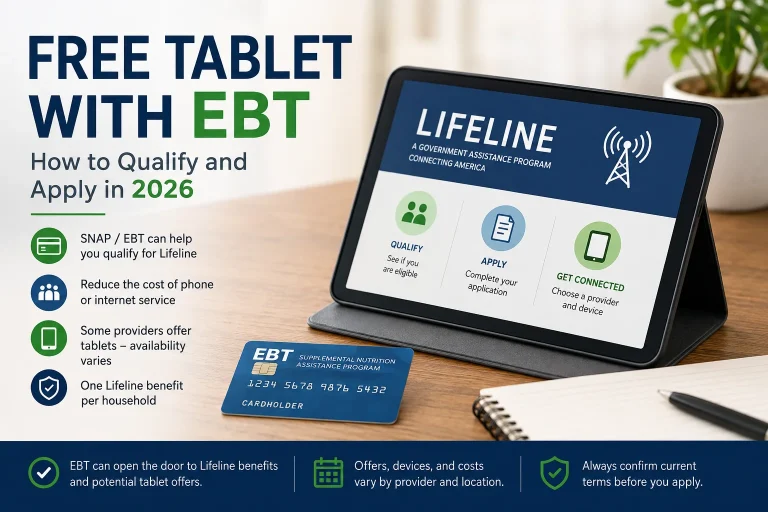
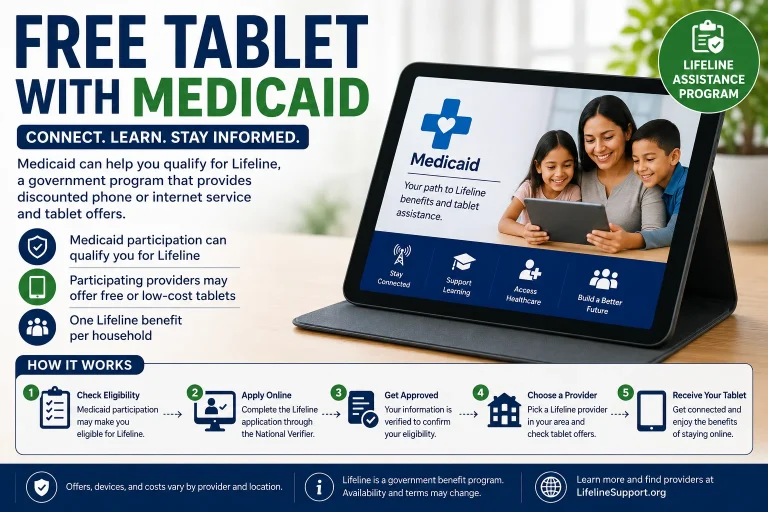
The main option is Lifeline, a federal program that helps eligible households reduce the cost of phone or internet service. Participating wireless providers may also offer a discounted tablet with mobile data.
Can You Get a Government Tablet with Internet for Free?
Sometimes, but expectations are important.
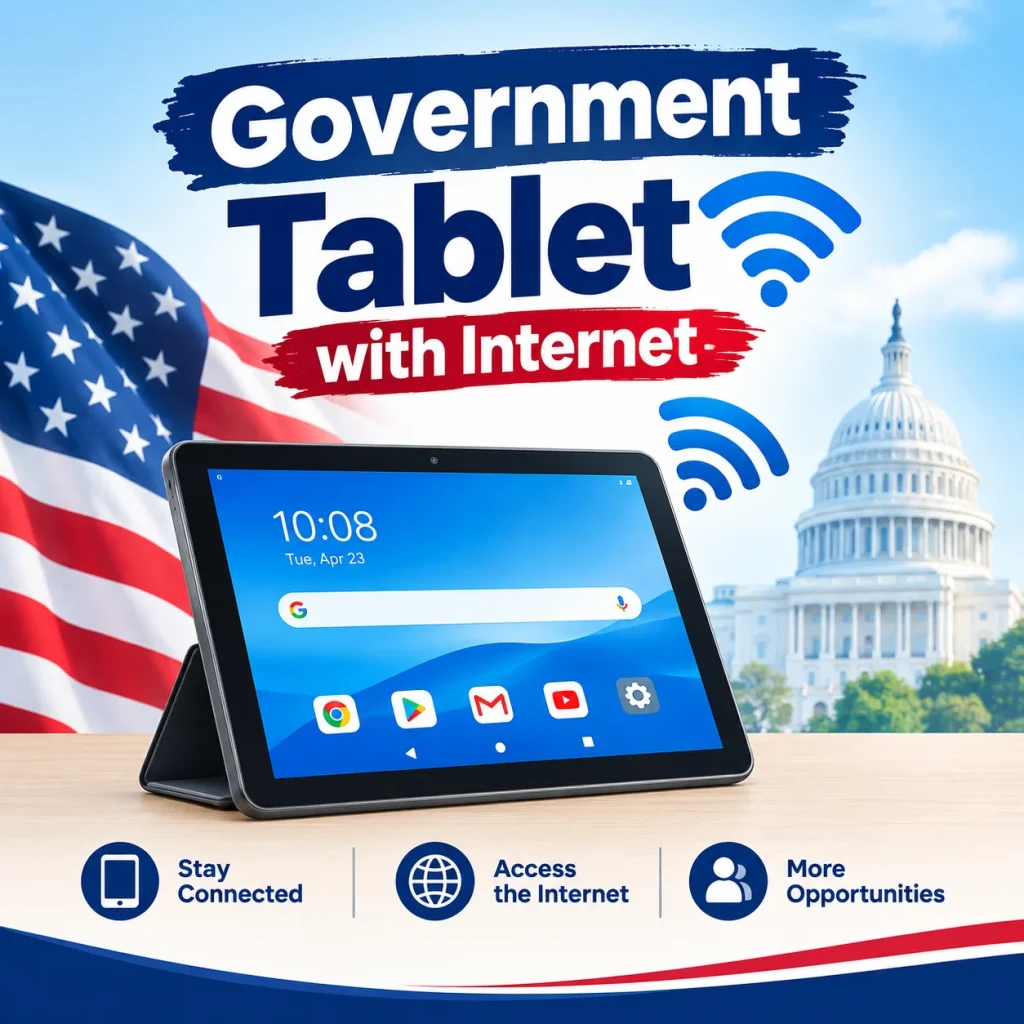
Most tablet offers connected to Lifeline involve a small one-time device payment, rather than a completely free tablet. Depending on the provider and current availability, the tablet may cost around $10 to $50.
The internet connection usually comes through the provider’s mobile data plan, using a cellular network such as 4G or 5G. The monthly service may be free or heavily discounted for qualifying households.
Tablet offers, prices, data limits, and available devices can change by state and provider.
Lifeline: The Main Program to Check
Lifeline is a federal benefit designed to make communication services more affordable for eligible households.
You may qualify through participation in certain government assistance programs, including:
- SNAP or Food Stamps
- Medicaid
- Supplemental Security Income (SSI)
- Federal Public Housing Assistance
- Veterans Pension or Survivors Benefit
- Certain Tribal assistance programs
You may also qualify based on household income if it falls within the program’s income limit.
The Affordable Connectivity Program (ACP) is no longer accepting applications, so it should not be presented as a current way to obtain a government tablet or internet benefit.
What Kind of Tablet Can You Expect?
When a provider has a tablet promotion available, it is usually an entry-level Android tablet rather than a premium device.
The offer may include:
| Feature | What to Expect |
|---|---|
| Device | Budget Android tablet |
| Screen | Usually around 8–10 inches |
| Internet | Mobile 4G/5G data |
| Tablet cost | Often a small one-time co-pay |
| Monthly service | May be free or discounted |
| Availability | Depends on provider, state and stock |
Premium devices such as newer iPads are generally not typical of these programs.
How to Apply for a Free Government Tablet with Internet
1. Check Your Eligibility
Start by checking whether you qualify for Lifeline through a qualifying government program or household income.
If you receive SNAP, Medicaid, SSI, or another qualifying benefit, have your benefit information available.
2. Prepare Your Documents
You may need:
- Government-issued photo ID
- Proof of address
- SNAP, Medicaid, SSI, or other benefit documentation
- Income documents if you are qualifying based on income
An EBT card by itself may not always be sufficient. A benefit letter or official document showing your name and current eligibility can be more useful.
3. Find a Participating Provider
Lifeline service is provided through participating telecommunications companies. Some providers periodically advertise tablets or discounted connected devices.
Availability can vary significantly by ZIP code and inventory, so compare the actual offer before applying.
Check:
- Tablet availability
- One-time tablet cost
- Monthly data allowance
- Network coverage
- Hotspot restrictions
- Activation or shipping fees
- Device warranty and replacement terms
4. Complete the Application
Apply through the provider or the official Lifeline verification process. Submit your information and any required documents.
Once your eligibility is confirmed, the provider will tell you which service and device options are available.
5. Order and Activate the Tablet
If a tablet is available, you may be asked to pay the stated device co-pay. After receiving the tablet, follow the provider’s instructions to activate the device and mobile data service.
How Much Internet Do You Get?
There is no single internet allowance for every government tablet.
Some providers advertise large monthly data allowances, while others may impose limits or reduce speeds after heavy usage. A plan described as “unlimited” may still be subject to network management or fair-use policies.
Before accepting an offer, check the actual tablet data allowance and speed policy.
Important Rules to Know
Lifeline benefits come with rules. Generally, only one Lifeline benefit is permitted per qualifying household, not one benefit for every person in the home.
You also need to continue using the qualifying service and complete any required eligibility checks or recertification.
Failing to use the service for an extended period can result in the benefit being discontinued.
What If No Free or Discounted Tablet Is Available?
Don’t assume you have to give up if a tablet offer is unavailable.
You can consider:
Lifeline phone + hotspot: Some providers offer a phone with mobile data. The phone’s hotspot feature may provide internet access to another tablet or computer.
Refurbished tablets: Libraries, nonprofit organizations, schools, and digital inclusion groups sometimes provide low-cost or refurbished devices.
State programs: Some states operate separate technology assistance or digital inclusion programs.
Schools and workforce programs: Students and job seekers may find tablet or computer lending programs through educational institutions and workforce organizations.
Avoid Fake Government Tablet Offers
Be careful with websites promising a “100% free tablet with unlimited internet” without clearly explaining the provider, eligibility requirements, and costs.
Before submitting personal information, check:
- Who is providing the tablet?
- Is the provider participating in Lifeline?
- Is there a device co-pay?
- Is there an activation or shipping fee?
- How much mobile data is included?
- What happens after the promotional period?
- Is the offer available in your ZIP code?
Never send money through unusual payment methods such as gift cards simply to “unlock” a government benefit.
Quick Checklist
If you want a government tablet with internet, follow these steps:
- Check your Lifeline eligibility.
- Gather your ID, address and benefit documents.
- Find participating providers in your area.
- Compare tablet cost, data and network coverage.
- Apply through the provider or official verification process.
- Pay only the clearly stated device cost, if applicable.
- Activate the tablet when it arrives.
- Continue using the service and complete required recertification.
Final Takeaway
A government tablet with internet is possible for some eligible households, but there is no single federal program that automatically gives everyone a free tablet and unlimited internet. The most practical route is to check Lifeline eligibility and look for participating providers offering discounted tablets with mobile data.